Page guide
How to make your pages
Each page you send prints as one page of a US Letter magazine. Make them in any app you like, then send one PDF. The site shows how every page prints before anything is sent.
The format
- Each PDF page prints as one magazine page. For a double page, make two pages and tick “Print my pages as a spread”.
- 8.75 × 11.25 in. That's US Letter plus 0.125 in on every side that gets cut off.
- 1 to 4 pages in one PDF, up to 100 MB
- Run photos and backgrounds to the edge of the file, so no white sliver shows after the cut
- Keep text and faces 0.625 in from the edge of the file
- Photos look best at 300 PPI. Phone photos are fine.
Templates
Each one is already the right size, with the cut and the safe area marked.
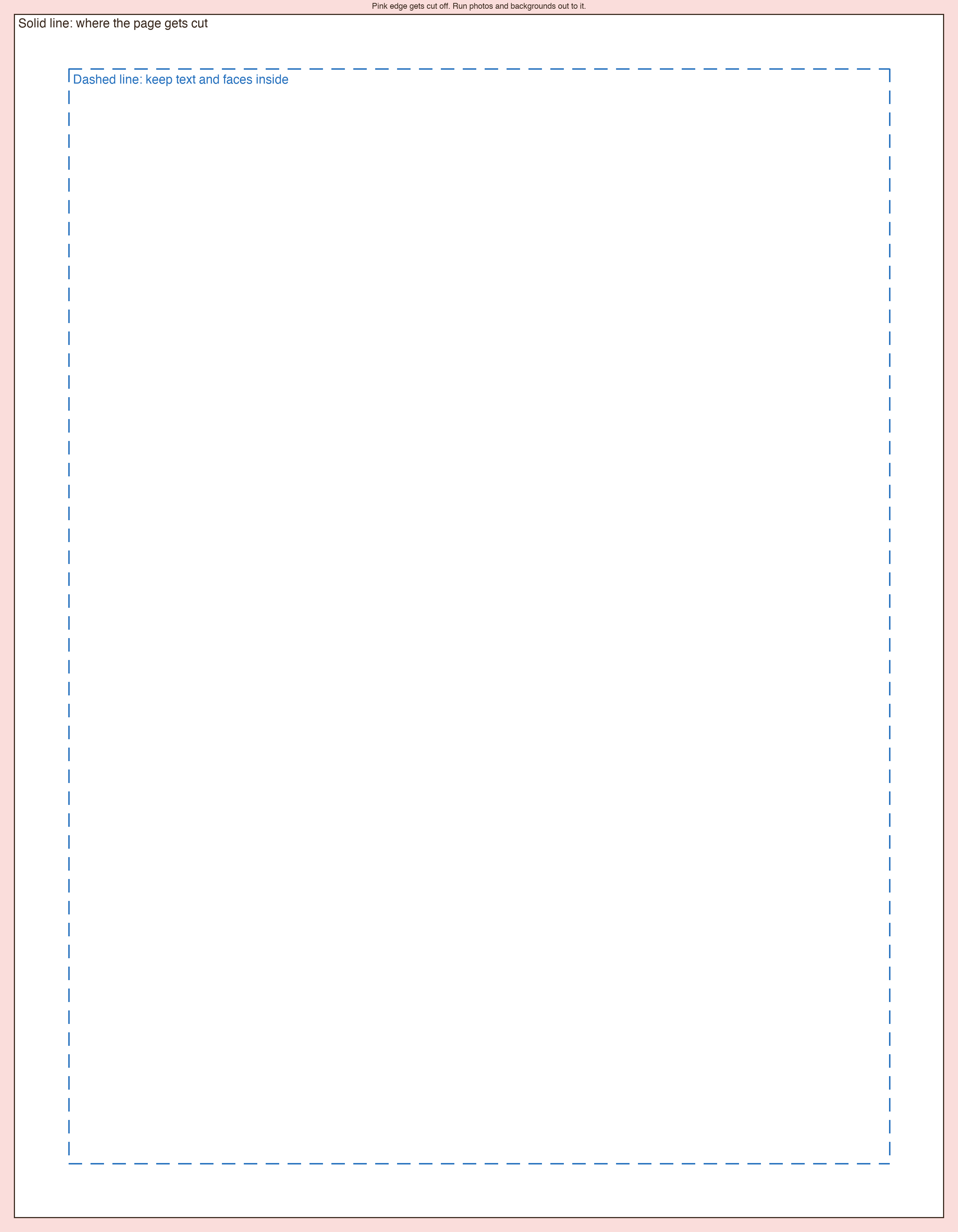
- PDF: For Illustrator, Affinity, InDesign or Preview.
- Photoshop: A page layer and a guides layer to hide.
- Word or Pages: Margins already keep text in the safe area.
- Guides picture: To lay over your page in Canva or Procreate.
In the app you already use
Canva
- Create a design, Custom size, 8.75 × 11.25 in.
- Optional: upload the guides picture, lay it on top while you work, then delete it.
- Share, Download, PDF Print. Leave “Crop marks and bleed” off.
Pages
- Open the Word template. Pages opens it at the right size.
- Or start blank: in the Document panel, set Paper Size to a custom 8.75 × 11.25 in.
- File, Export To, PDF, with Image Quality set to Best.
Keynote
- In the Document panel, set Slide Size to Custom: 630 × 810.
- Each slide becomes one page.
- File, Export To, PDF, with Image Quality set to Best.
Photoshop
- Open the Photoshop template and design on the Your page layer.
- Hide the Guides layer, then File, Save a Copy, Photoshop PDF.
- More than one page? Save each as a PDF, open the first in Preview and drag the others into its sidebar.
Procreate
- New canvas, custom size, 8.75 × 11.25 in at 300 DPI.
- Optional: import the guides picture as the top layer and hide it at the end.
- Share, PDF, Best quality.
Word
- Open the Word template and type over it.
- For a photo to the edge, set it Behind Text and stretch it past the page.
- File, Save As, PDF, Best for printing.
Google Slides
- File, Page setup, Custom, 8.75 × 11.25 in.
- Each slide becomes one page.
- File, Download, PDF.
Something else?
A scan, a photo or a page at another size still works. Upload it and the site shows exactly how it prints, with the part that gets cut off shaded, before you send it.
Notes and drawings added in Preview don't always print. If you marked up a PDF there, use File, Print, Save as PDF to bake them in.